

Roblox has fully released in-game publishing for EditableImage, giving developers a new way to turn drawings and other runtime-generated visuals into player-owned image assets. Announced on October 19, 2026, the update lets an experience ask a player to submit an image directly to their Roblox inventory instead of requiring a separate Studio upload workflow.
The release also introduces a renamed publishing method: AssetService:PromptCreatePlatformContentAsync(). The method accepts an Object, which allows an EditableImage to be passed directly. For creators building drawing canvases, image editors, customization tools, or player-made visual collectibles, this is a meaningful expansion of in-experience creation.
Quick answer: What changed?
Roblox now supports publishing an EditableImage from inside a live experience into the submitting player's inventory. The server calls AssetService:PromptCreatePlatformContentAsync(player, editableImage, Enum.AssetType.Image), and Roblox displays its own submission dialog so the player can review the image and provide an asset name and description. The current release supports images—not EditableMesh or audio publishing.
How the new in-game image publishing feature works
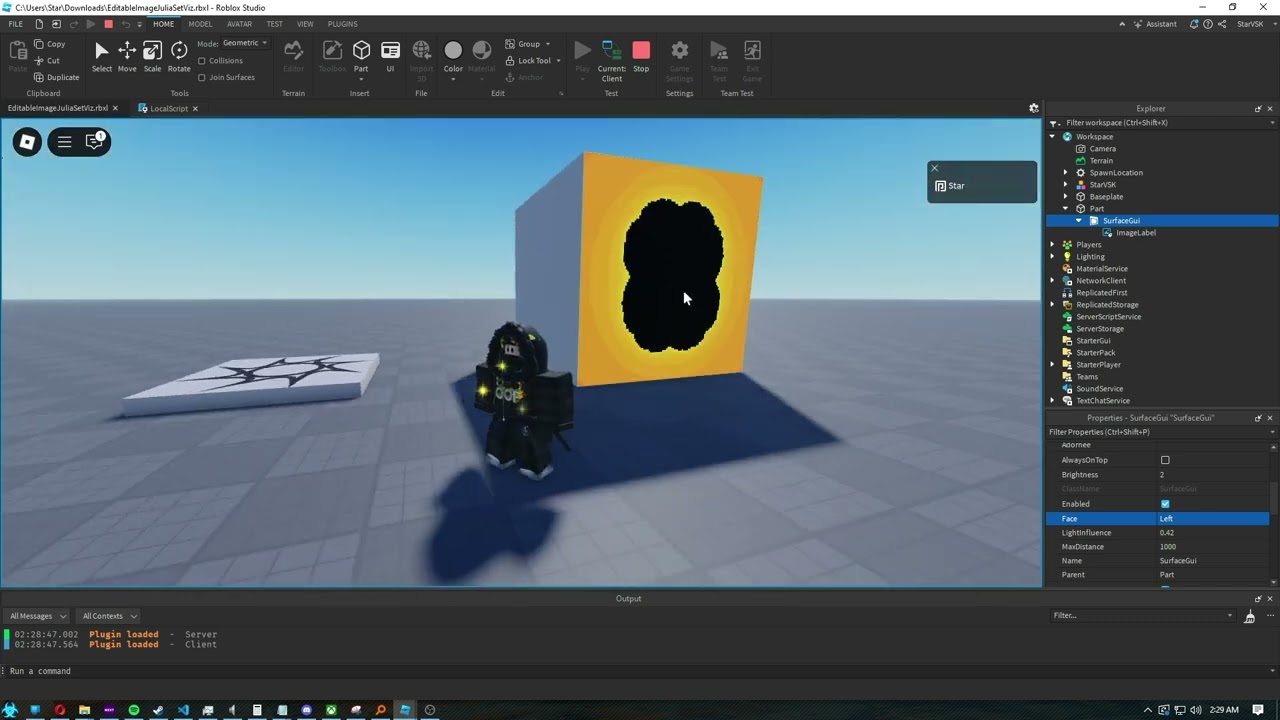
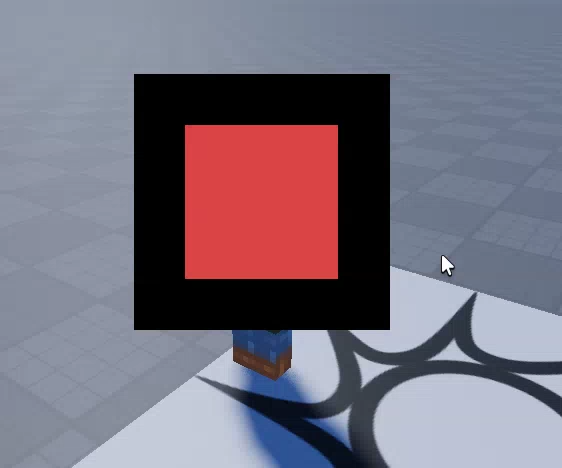
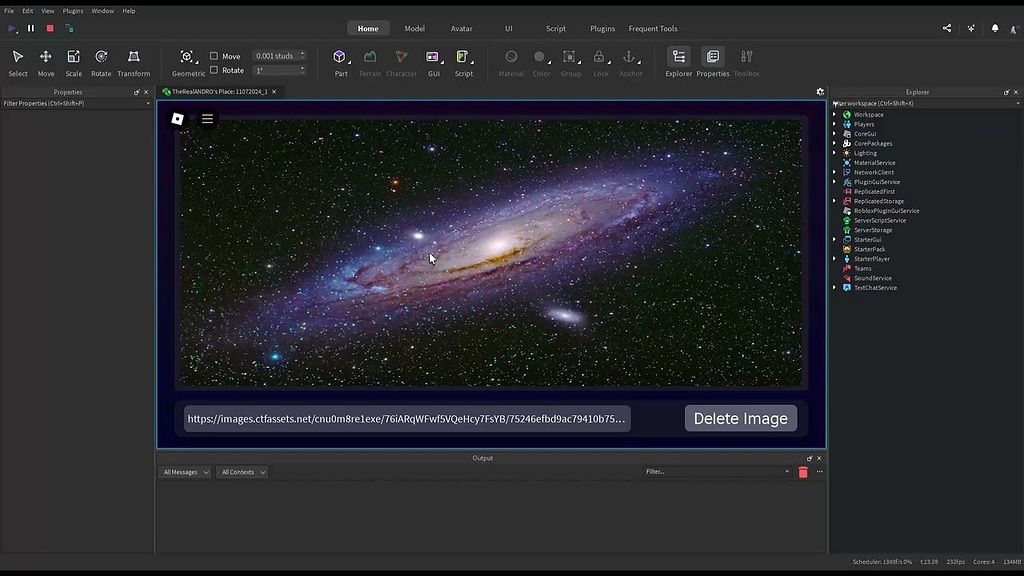
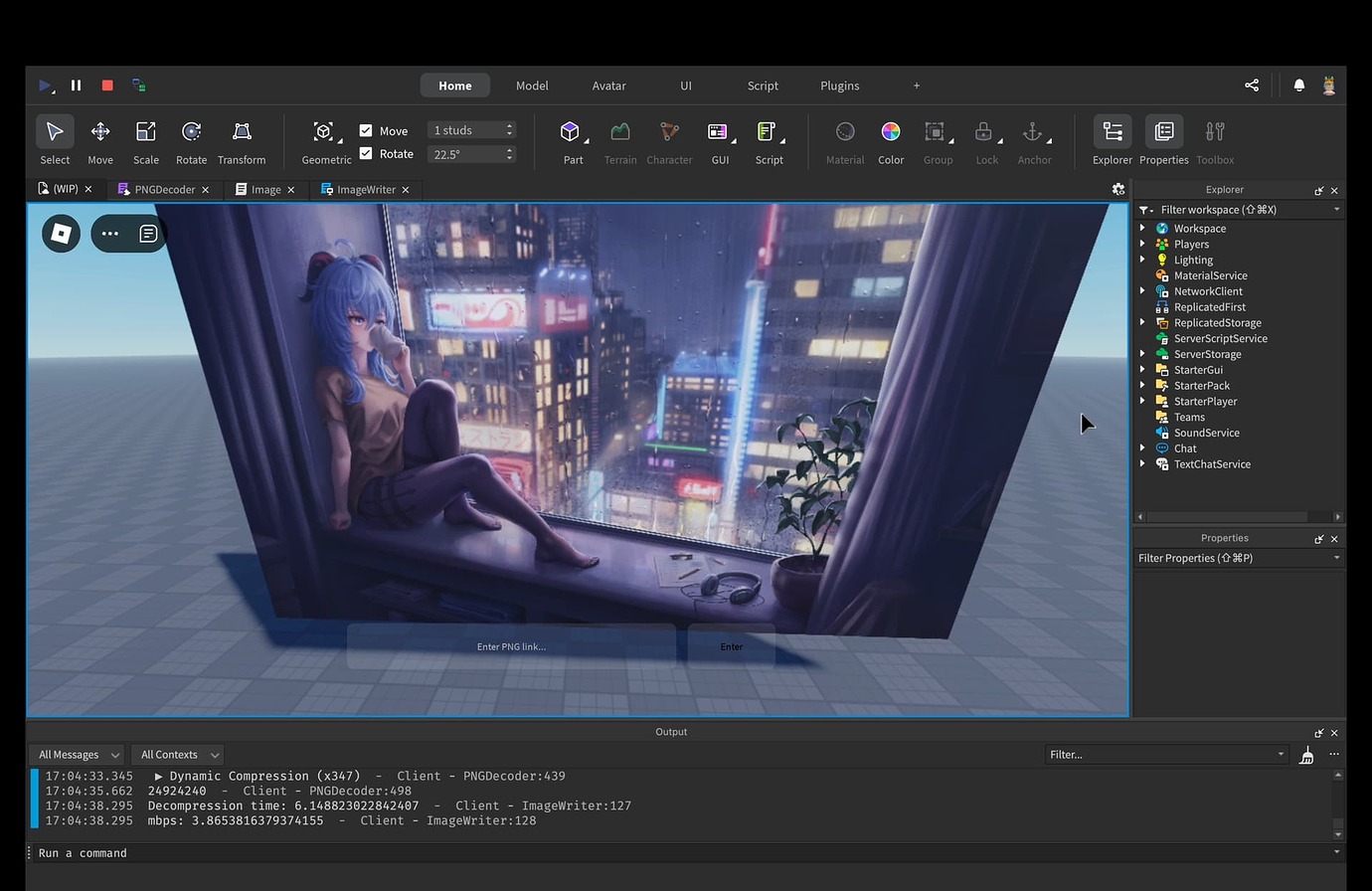
Developers can create an image at runtime with AssetService:CreateEditableImage(), draw or modify its pixels, and then pass that object to the platform publishing prompt. The player completes the submission flow. Roblox's announcement says published images go directly to the player's inventory, where they can be used in other Roblox experiences and outside the platform.
This changes the workflow for games that let users make something visual. A drawing game can offer a save option after a player finishes a canvas. A room-decorating experience could let a player create a poster. A design tool could let users save a custom graphic they generated in the experience. The game still controls what users can create and when the publish action appears.
The API name developers should use
The updated method is AssetService:PromptCreatePlatformContentAsync(). Roblox renamed the older PromptCreateAssetAsync() publishing method and changed the accepted content parameter from an Instance to an Object. That matters because an EditableImage is an object that can be passed directly to the new method.
local AssetService = game:GetService("AssetService")
local Players = game:GetService("Players")

local function publishImage(player, editableImage)
    if not editableImage then
        return
    end

    local success, result, assetId = pcall(function()
        return AssetService:PromptCreatePlatformContentAsync(
            player,
            editableImage,
            Enum.AssetType.Image
        )
    end)

    if success then
        print("Image publishing result:", result, assetId)
    else
        warn("Image publishing failed:", result)
    end
end
This is a compact illustration of the server-side call, not a complete drawing system. Your experience must first create or receive a valid EditableImage, decide when a player is allowed to publish it, and connect the publish action to the correct player. Handle cancellation and errors rather than treating every prompt as a successful upload.
What developers need to enable before testing
-
Use a server-side script: Roblox's documented publishing flow is invoked from the server with the submitting
Playerobject. - Publish the experience: Roblox says the prompt can fail when testing an unpublished place in Studio.
- Enable Mesh and Image APIs: Turn on Allow Mesh / Image APIs in Studio's Experience Settings under Security, or enable the corresponding Mesh / Image APIs setting in Creator Dashboard.
- Handle unavailable images: Editable assets have memory and permission constraints. Check whether image creation succeeds before trying to publish.
- Keep the player in control: The platform prompt is a submission step. Do not trick players into approving an image they have not reviewed.

Moderation, ownership, and player safety
Roblox says in-game creations are subject to the platform's asset moderation. Its October 19 announcement also explains that players publish the image into their own inventory and are responsible for the content they choose to persist. The announcement notes that an asset may become unavailable later, so developers should not assume a returned asset ID will remain usable forever.
That makes the user experience and safety design important. Show a clear preview before opening the platform submission dialog, explain what the player is about to publish, and avoid automatic or misleading prompts. If your game lets players draw freely, build appropriate reporting and moderation processes around what is displayed in the experience. Do not assume that using this API automatically changes your experience's age rating or makes every user-generated-content design compliant with Roblox policy; follow the current Community Standards and applicable creator rules.
Roblox's announcement states that images published through this flow have Open Use privacy. The platform's prompt gives the player the final submission step; it is not a license for a game to silently upload arbitrary content on a player's behalf.
What is supported—and what is not
The October 19 release specifically enables EditableImage publishing as Enum.AssetType.Image. It does not announce general publishing support for EditableMesh, models, or audio. Roblox's post asks creators which asset type should come next, but it does not provide a release date for those possibilities.
There are also practical differences between creating an image and making it available in every context. EditableImage has permission and memory constraints, and Roblox documents a maximum image size of 1024 by 1024 pixels. Test your creation flow on the devices your audience uses, and provide a fallback if image creation fails because a device has exhausted its editable-image memory budget.
Why this matters for Roblox creators
The update shortens the distance between making something and owning a reusable asset. Previously, a player-created image could be part of an experience without having a simple built-in path for the player to save it as an inventory asset. Now, creators can design a clear publish action around a completed image and let Roblox handle the platform-level submission interface.
For developers, the strongest opportunities are focused tools rather than a generic upload button: pixel-art canvases, personalized signs, profile graphics, custom decals or posters, and image-based rewards. A good implementation should explain where the image goes, let the player inspect it, and gracefully handle failed or canceled submissions.
For related creator-side changes, see our guides to EditableMesh quad support, Roblox Studio Package Overrides, and the new if local Luau syntax.
Frequently asked questions
Can Roblox players publish their own drawings from inside a game?
Yes. A game can create or edit an EditableImage and invoke AssetService:PromptCreatePlatformContentAsync() on the server. The player then completes Roblox's submission prompt to save the image to their inventory.
Does the new API support EditableMesh or audio?
No. The October 19, 2026 release supports EditableImages as image assets. Roblox has not announced a launch date for mesh or audio publishing through this flow.
Does the publishing prompt run on the client or server?
The documented method should be called from a server-side script. The server supplies the player and the EditableImage to the platform prompt.
What settings are required?
The experience must be published, and Allow Mesh / Image APIs must be enabled in Studio's Experience Settings or the corresponding setting in Creator Dashboard. Also check that image creation succeeds before invoking the prompt.
Are player-published images automatically safe for every game audience?
No. Roblox moderation applies to published assets, but developers should not treat the API as an automatic age-rating or policy exemption. Review Roblox's current Community Standards and design appropriate controls for displaying user-generated content.
Where does a published image go?
Roblox's announcement says the image is published to the player's inventory. The player can then use the creation in other Roblox experiences or outside the platform, subject to Roblox's asset rules.
Official sources and further reading
- Roblox Developer Forum: In-Game Editable Image Publishing (October 19, 2026)
- Roblox Creator Hub: In-Experience Asset Creation
- Roblox Creator Hub: EditableImage API Reference
- Roblox Creator Hub: AssetService API Reference
By Shivam Das




