

Roblox Studio’s new if local and if const syntax gives creators a more compact way to check a value and use it only when it exists. Roblox announced the feature as an opt-in Studio beta on October 6, 2026. It is a developer workflow improvement—not a change that players will automatically notice in every published Roblox experience.
By Shivam Das · Updated November 5, 2026
Roblox developers regularly write code that retrieves an object, checks whether the lookup succeeded, and then uses the result. The familiar pattern works, but it can create repeated checks and variables that remain visible beyond the narrow section of code that needs them. The new Luau conditional bindings aim to make that pattern more direct.
The important distinction is scope and clarity, not a promised performance boost. Roblox’s announcement describes the new syntax as a way to declare a variable directly inside an if or elseif condition. The value is available inside the successful branch, where the condition has already established that it is usable.
Quick answer: What are Roblox’s if local and if const features?
if local and if const are new Luau syntax options available through Roblox Studio’s Beta Features. They let a developer bind a value as part of a conditional check instead of declaring it on a separate line and checking it afterward. The beta supports one variable and one value in each condition. It does not currently support multi-return bindings or compound binding conditions.

How the new Luau conditional binding works
Consider a common Roblox scripting task: retrieving a character, finding its Humanoid, and then accessing the Humanoid’s root part. With the traditional approach, each lookup is assigned to a local variable and checked in a separate conditional.
local character = player.Character
if character then
    local humanoid = character:FindFirstChildWhichIsA("Humanoid")
    if humanoid then
        local rootPart = humanoid.RootPart
        if rootPart then
            -- Use rootPart here
        end
    end
end
The beta syntax combines the binding and the check:
if local character = player.Character then
    if local humanoid = character:FindFirstChildWhichIsA("Humanoid") then
        if local rootPart = humanoid.RootPart then
            -- Use rootPart here
        end
    end
end
This does not remove the need to understand what each lookup returns. It makes the relationship between a successful lookup and the code that uses its result more explicit. A value that is nil or false does not enter the branch; the bound variable is scoped to the branch where it is valid.
What does if const add?
if const follows the same conditional-binding idea but declares the bound variable as constant within the branch. That can communicate intent: the value is being checked and used, not reassigned as part of the branch’s logic.
if const player = Players:GetPlayerFromCharacter(character) then
    print(player.Name)
end
For a creator reviewing a large codebase, that distinction can make a small section easier to reason about. It is still a syntax and readability choice; developers should use it where it makes the code clearer to their team.
What is supported in the current beta—and what is not?
-
Supported: a single variable bound to a single value in an
iforelseifcondition. -
Supported: conditional expressions using
if localorif const, including a fallback value. -
Not supported in the announced beta: binding multiple return values such as
if local ok, result = pcall(...). - Not supported in the announced beta: chaining multiple bindings in one compound condition.
-
Still in progress at announcement:
while localloop support.
These boundaries matter. A creator should not assume that every pattern can be compressed into the new syntax. If a function returns several values, or a condition needs several separate bindings, the established approach remains necessary unless Roblox expands the beta.
How to enable If Local/Const Bindings in Roblox Studio
- Open Roblox Studio.
- Open the File menu.
- Select Beta Features.
- Find the If Local/Const Bindings option and enable it.
- Test the syntax in a development copy of your project before using it in a shared workflow.
Because this is a beta feature, teams should check that collaborators have compatible Studio settings before adopting the syntax across a shared project. A codebase that relies on an opt-in feature can create avoidable friction when another developer opens the project without the same beta enabled.

Will if local make Roblox games run faster?
Roblox’s announcement presents the feature as a syntax improvement. It does not publish a benchmark showing that games using if local run faster, load faster, or use less memory. Developers should therefore treat it primarily as a way to express conditional lookups more cleanly—not as a performance optimization with a measured result.
For performance-sensitive code, profile the actual experience and compare equivalent implementations under the same conditions. Cleaner source code can improve maintainability, but fewer lines do not automatically mean fewer instructions or a faster game.

What this update means for Roblox creators
The practical value is likely to be greatest in code that repeatedly checks optional results: character lookups, child-instance searches, player retrieval, and similar operations. In those situations, putting the binding directly in the condition can keep the value close to the code that depends on it.
There is also a trade-off. New syntax can make a short block more compact, but unfamiliar syntax may slow down contributors who have not enabled the beta or who prefer the traditional pattern. Teams should agree on a style and document beta dependencies rather than changing every conditional simply because a new option exists.
Our takeaway: this is a useful Luau quality-of-life experiment for creators who frequently write guarded lookups. It is not a new game feature for players, a general replacement for normal local variables, or proof of an automatic speed increase. The best reason to try it is clearer scope and less repetitive conditional boilerplate.
Official announcement and further reading
- Roblox Developer Forum: [Beta] if local Statements and Expressions (October 6, 2026)
- Roblox Creator Hub: Luau documentation
- Roblox Creator Hub: Luau control structures
- Related coverage: Roblox Studio Server Inspection Beta
- Related coverage: Roblox Studio Package Overrides Beta
Frequently asked questions
Is if local available in Roblox Studio now?
Yes. Roblox announced the if local and if const feature as an opt-in Studio beta on October 6, 2026. Enable it from File > Beta Features by selecting If Local/Const Bindings.
What is the difference between if local and if const?
Both bind a value inside a conditional check. The const form makes the bound variable constant within the branch, while local declares a local variable that can be reassigned where permitted.
Can if local return multiple variables?
No. The announced beta supports one name and one value per condition. Multi-return bindings such as a two-value pcall result are not supported in the current beta description.
Can developers use if local in published Roblox games?
The announcement describes it as a Roblox Studio beta feature. Creators should not assume it is available to every player in published experiences. Check Roblox’s current documentation and release notes before depending on beta-only syntax in production code.
Does if local improve game performance?
Roblox has not published a benchmark in the announcement proving a performance gain. Its clear benefit is more concise conditional binding and tighter variable scope. Profile a project before making performance claims.
Does the beta support while local?
Not in the initial announcement. Roblox staff said support for while local was in progress and might be added later. Check the latest official update before assuming it has shipped.
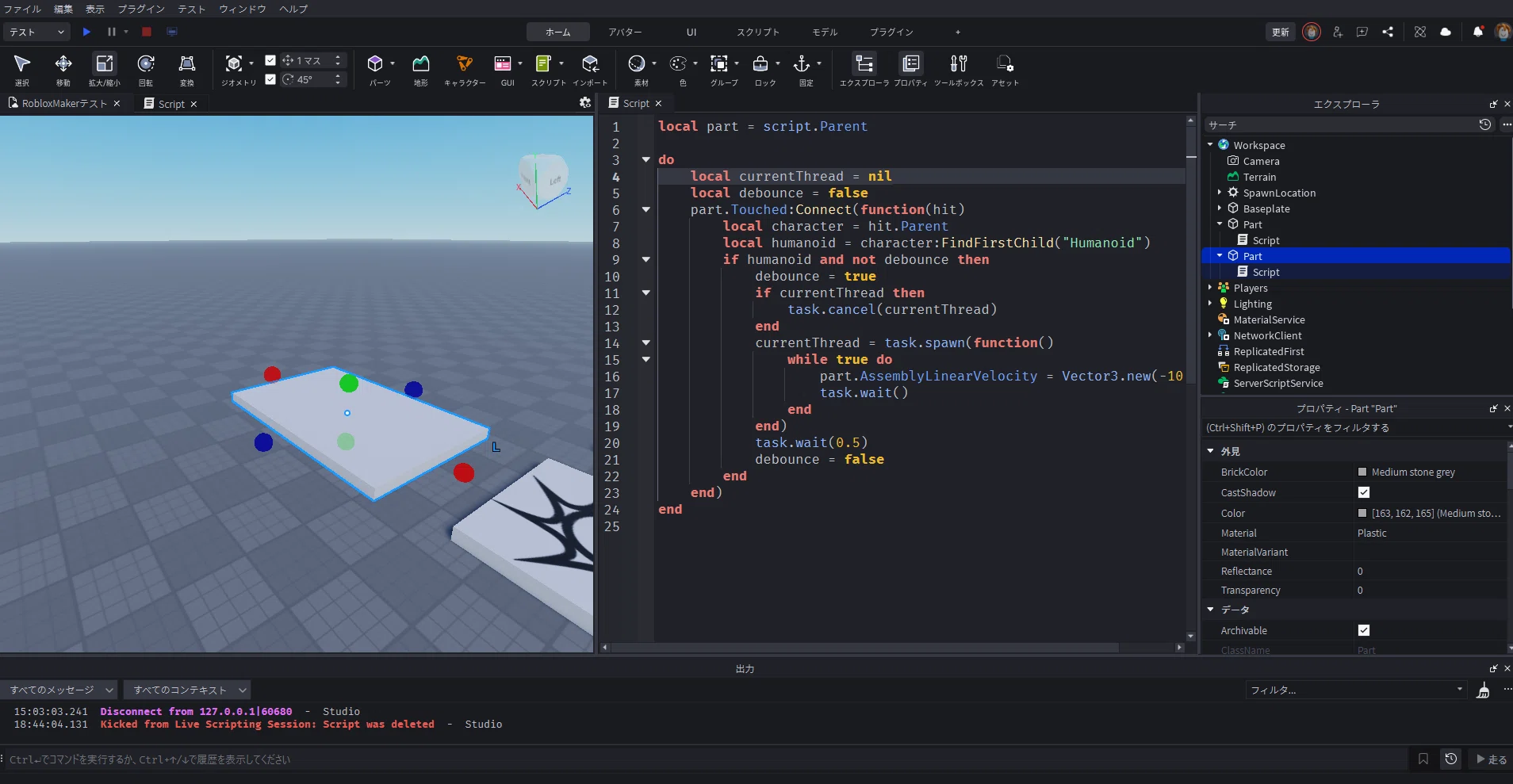
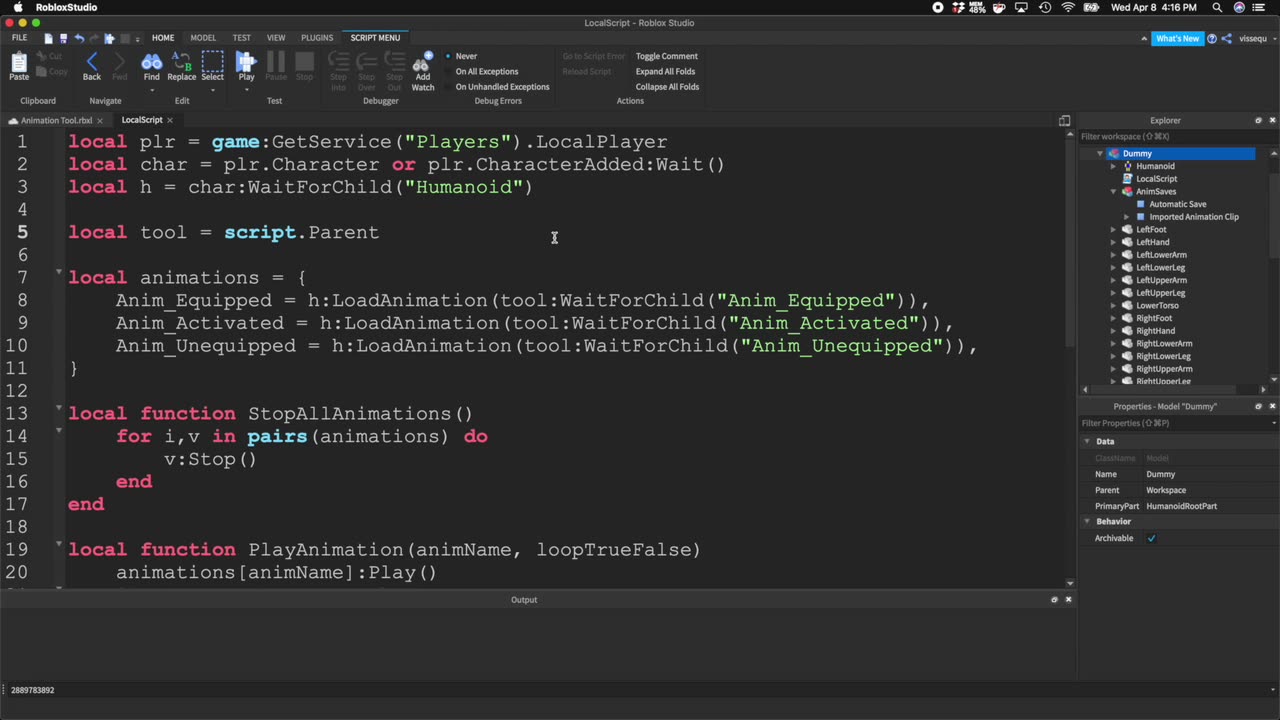
Reporting note: This article is based on Roblox’s October 6 beta announcement and the October 5–9 weekly recap. Beta scope and availability can change. The accompanying general Studio screenshots are illustrative context and are not presented as direct captures of the if-local feature.
Author: Shivam Das




