

Updated November 5, 2026 · By Shivam Das
Roblox avatar creators can now measure more than likes and views when they promote clothing, accessories, and bundles away from the platform. Roblox introduced Marketplace Links on October 30, 2026, giving creators trackable share links for eligible avatar items and a Creator Dashboard report showing clicks, unique clickers, purchases, Robux spend, and conversion rate.
The practical change is attribution: instead of posting one ordinary catalog URL everywhere and guessing which post worked, a creator can make separate links for different channels and compare their results. The feature does not guarantee sales, increase Marketplace ranking, or create a special revenue share. It gives creators better evidence for deciding where to promote.
What are Roblox Marketplace Links?
Marketplace Links are trackable URLs that take a visitor to a specific Roblox avatar asset or bundle. They are intended for creators who want to share their own avatar items outside Roblox, including through social posts, creator pages, videos, or direct messages.
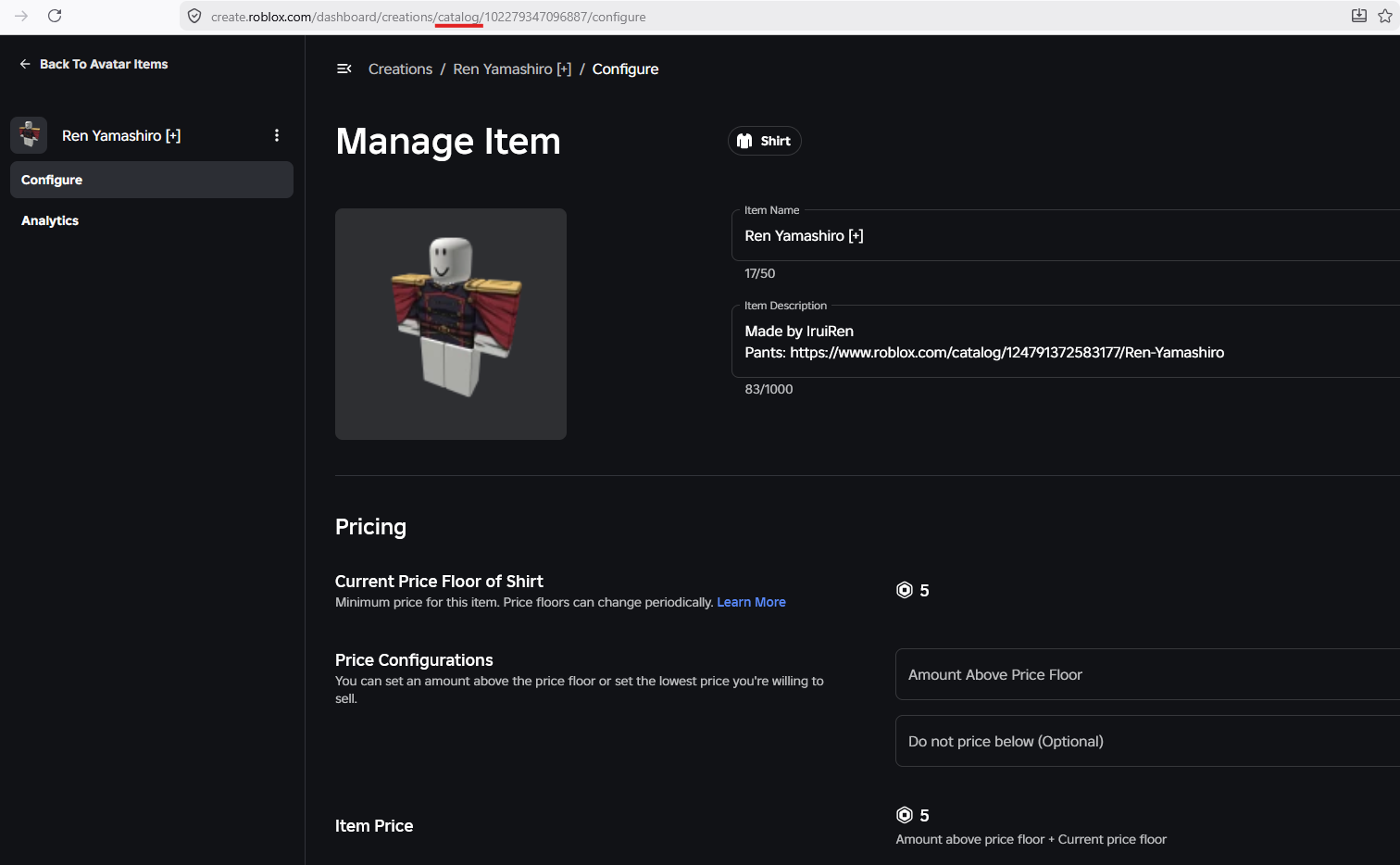
Roblox says the feature supports accessories, clothing, other avatar assets, and bundles. Both free and paid items are supported. The item must have been published by you or by your group; this is not an affiliate link generator for arbitrary items from another creator.

How to create a trackable Marketplace Link
Roblox provides two ways to start. The first is useful when you want to create links for several items; the second is convenient when you are already managing one particular asset.
- Open the Roblox Creator Dashboard and go to Creations → Share Links → Marketplace Links.
- Select the avatar item you want to promote, or enter its asset ID or bundle ID.
- Generate the link and give it a clear label that identifies where you plan to use it.
- Alternatively, open your avatar item list, open the item's menu, and choose the option to create a share link. The dialog opens with that item already selected.
- Copy the generated URL and use it in the relevant off-platform post or message.
For group-owned items, you need permission to configure the group's avatar items, and the link must be created with the relevant group access. If the option is missing, check that you are working in the correct creator or group context and that your permissions are sufficient.
Which creators and items are eligible?
- Supported items: avatar assets such as clothing and accessories, plus bundles.
- Free and paid: both item types can have Marketplace Links.
- Ownership: you can create a link only for an item you or your group published.
- Group items: the creator needs permission to configure the group's avatar items.
- Link limit: Roblox allows up to 20 active Marketplace Links for each item.
The 20-link limit is per item, not a reason to create a separate link for every tiny variation. Use distinct links for meaningful placements you intend to compare, such as a TikTok showcase, an Instagram post, a Pinterest pin, or a YouTube description.
What analytics does Roblox show?
Each Marketplace Link has its own analytics view in Creator Dashboard. Roblox lists five core metrics:
- Clicks: the total number of times the link was opened.
- Unique clickers: the number of different people who opened it.
- Purchases: purchases attributed to that link.
- Spend: the total Robux spent on those purchases.
- Conversion rate: purchases divided by unique clickers.

These numbers answer different questions. Clicks measure total link opens; unique clickers help show how many different people reached the destination. Purchases and Robux spend indicate whether that traffic led to transactions. Conversion rate helps compare the share of unique visitors who purchased through a link.
Roblox says creators can view up to 90 days of daily data and filter results by link. Analytics refresh once a day, so a newly created link may need about a day before its first useful report appears. Do not judge a campaign from a dashboard that has not refreshed yet. Roblox's share-link documentation also notes that only authenticated users are tracked.
A practical way to compare TikTok, Instagram, Pinterest, and YouTube
Use one item as the test product and create a separate Marketplace Link for each channel or placement you want to evaluate. Keep the item, price, and campaign period as consistent as possible. If you change the item, creative, price, and audience at the same time, it becomes harder to tell what caused a difference.
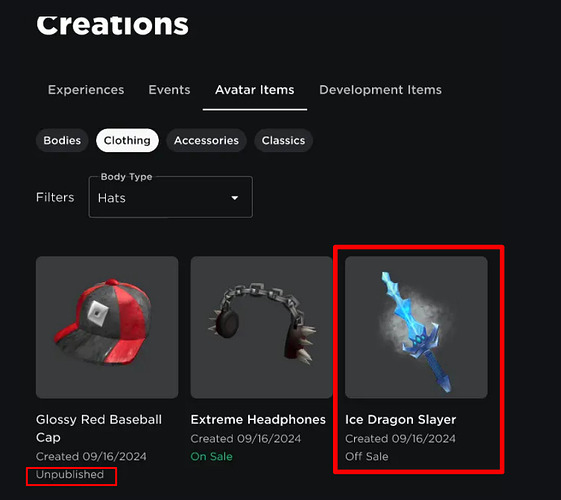
- Choose an item that is actually available. Check its sale status, price, thumbnail, and product page before promoting it.
- Create channel-specific links. Use one link for a TikTok video, another for an Instagram post, and separate links for Pinterest or YouTube placements.
- Label each link clearly. Include the channel, content format, and campaign or month in the label so the report remains understandable later.
- Make the post useful. Show the item clearly, explain its style or use, and set an honest expectation about price and availability.
- Wait for the daily report. Give analytics time to refresh before comparing results.
- Compare purchases and conversion, not clicks alone. A post with fewer clicks may bring a more relevant audience and generate more purchases per unique clicker.
For example, suppose a creator gets 500 clicks from a short video and 180 clicks from a Pinterest pin. If the Pinterest link produces more purchases and a stronger conversion rate, it may deserve more attention in the next campaign. That is a signal, not proof that Pinterest will always outperform video: audience, creative quality, item price, and timing still matter.
Where does the link send people?
Roblox designed Marketplace Links to route visitors to the item with fewer mobile dead ends:
- Desktop: the link opens the item's page on the Roblox website.
- Mobile with Roblox installed: the item opens directly in the Roblox app.
- Mobile without Roblox installed: the visitor is guided to install Roblox and then return to the item.
This device-aware destination is useful when a creator shares a link in a mobile-first social app. Still, test the link yourself on desktop and mobile before publishing a large campaign, and make sure the final destination is the intended item.
Do Marketplace Links expire or stop working?
Roblox says Marketplace Links do not expire. You can delete a link from the Marketplace Links list, but deletion has an important distinction: the deleted URL can still open the item, while clicks and purchases are no longer recorded for that link.
If an item goes off-sale or sells out, the link continues to open its item page and shows its current off-sale state. If the item is moderated or deleted, the link opens the Marketplace instead. A link that still resolves is therefore not a guarantee that the item can still be purchased.

Marketplace Links do not override Roblox's off-platform rules
There is an important policy distinction: Marketplace Links are designed to take an audience from an external channel to a Roblox item. They do not give creators permission to direct Roblox users to unrelated external websites from prohibited in-platform locations.
Roblox's Community Standards restrict sharing external URLs or directing users off-platform except through permitted Social Links features and other expressly approved cases. Roblox's Social Links documentation says the feature is age-gated: links are visible to eligible age-checked users aged 16 or older, and links cannot be shared directly inside experiences. Read the current rules before adding external destinations to a game, group, profile, or promotional placement.
Creators should also keep promotions accurate. Do not use fake giveaways, misleading scarcity claims, impersonation, or promises of free Robux to attract clicks. If a post is paid or sponsored, follow the disclosure rules that apply to that platform and audience.
Marketplace Links vs. Roblox game share links
These are related tools, but they measure different destinations. Marketplace Links are for creator-owned avatar assets and bundles. Experience share links are for games and help creators measure traffic arriving at a game's details page from off-platform channels. Use the link type that matches what you are promoting rather than treating every Roblox URL as interchangeable.
What this update does—and does not—mean for creators
The strongest benefit is clearer campaign measurement. Creators can test where their item promotions are getting attention and whether those visitors are converting into purchases. That can make decisions about content formats and channel priorities more evidence-based.
But the feature is not a sales guarantee, a Marketplace discovery boost, or an announced increase in creator revenue share. Roblox's announcement describes tracking and routing features; it does not promise that a trackable link will make an item rank higher or earn more per sale. Product quality, pricing, availability, presentation, and audience fit still determine whether a visitor decides to buy.
Frequently asked questions
Can I create a Marketplace Link for another creator's item?
No. Roblox says you can create links only for avatar items and bundles that you or your group published.
How many active links can one item have?
Up to 20 active Marketplace Links per item. Separate links can help compare distinct social channels or campaign placements.
Which metrics are available?
Clicks, unique clickers, purchases, Robux spend, and conversion rate. Creators can review up to 90 days of daily data, filtered by link.
How often does Marketplace Link analytics update?
Roblox says reports update once a day. A new link may take about a day to show results.
Do Marketplace Links work for free items?
Yes. Roblox says both free and paid avatar assets and bundles are supported.
What happens if I delete a Marketplace Link?
The URL can still open the item, but the deleted link no longer records clicks or purchases.
Does a Marketplace Link guarantee more sales or a higher creator payout?
No. The feature provides link-level attribution and analytics. Roblox has not announced a guaranteed sales increase, Marketplace ranking boost, or special revenue-share increase for Marketplace Link purchases.
Official sources
- Roblox: Promote Your Avatar Items Off-Platform and Track Every Click (October 30, 2026)
- Roblox Creator Hub: Social Media Links
- Roblox Creator Hub: Analytics
- Roblox Community Standards
- Roblox Creator Hub: Marketplace Overview
Reporting note: This guide is based on Roblox's October 30, 2026 Marketplace Links announcement and current Creator Hub documentation available at the time of publication. Feature availability and dashboard labels may change as Roblox updates Creator Dashboard.




