

Quick answer: Roblox has introduced three new methods on the Color3 datatype—GetContrastingColor(), GetContrastRatio(), and GetLuminance(). Announced on November 3, 2026, these methods help creators choose readable foreground colors for changing backgrounds and measure contrast without writing the underlying color math themselves. They are useful accessibility tools, but choosing the best available color does not automatically make every interface WCAG-compliant.
For Roblox creators, the update targets a familiar UI problem: a text label that looks clear on one player's screen can become difficult to read when a team color, chat bubble, theme, or background changes. The new methods give scripts and creator-built tools a consistent way to compare colors and make a more informed choice.
What Roblox announced
Roblox's November 3 Developer Forum announcement introduces three methods directly on Color3. The announcement describes them as a way to select readable text or foreground colors against backgrounds that may change during play, and to validate contrast in plugins or custom design tools.
-
Color3:GetContrastingColor(...): Color3compares candidate foreground colors and returns the candidate with the highest contrast against the color on which the method is called. -
Color3:GetContrastRatio(otherColor): numbermeasures the contrast ratio between two colors, returning a value from 1 to 21. -
Color3:GetLuminance(): numberreturns the color's relative luminance as a value from 0 to 1.
The important distinction is that these are methods for choosing and measuring colors. They do not redesign a game's interface, resize text, add labels, or run a complete accessibility audit for a creator.
How each Color3 method works
1. GetContrastingColor(): choose a stronger foreground color
Call this method on the background color and it compares the available foreground candidates. With no arguments, Roblox compares pure black and pure white and returns whichever has the higher contrast. Creators can also supply their own candidates to match a game's design system.
This is particularly useful when the background is dynamic. A team-colored chat bubble, a player-selected theme, or a status panel can change color while the text needs to remain readable. Instead of hard-coding white text for every possible background, a script can choose between candidate colors at runtime.
Roblox notes that if two candidates have exactly the same contrast ratio, the first candidate in the supplied list is returned. With the default black-and-white candidates, that tie resolves to black.
2. GetContrastRatio(): measure the actual difference
The contrast ratio is a numerical comparison between two colors. A result of 1:1 means there is no contrast between them; 21:1 is the maximum possible ratio, reached by pure black against pure white. This method is valuable after a foreground color has been selected because it lets a creator check whether the result meets the intended target.
3. GetLuminance(): understand relative brightness
GetLuminance() returns relative luminance using the WCAG 2.1 definition. Roblox says the RGB components are treated as gamma-encoded sRGB and clamped to the 0–1 range before the calculation. That clamping also defines how out-of-range or HDR channel values are handled for this calculation.

Example: make team-colored bubble chat easier to read
Roblox's announcement includes a practical example using TextChatService.OnBubbleAdded. The script takes the player's team color for the bubble background, then asks that color for its strongest contrasting foreground candidate.
local Players = game:GetService("Players")
local TextChatService = game:GetService("TextChatService")

TextChatService.OnBubbleAdded = function(message, _adornee)
    local source = message.TextSource
    if not source then
        return nil
    end

    local player = Players:GetPlayerByUserId(source.UserId)
    if not player or not player.Team then
        return nil
    end

    local teamColor = player.Team.TeamColor.Color
    local props = Instance.new("BubbleChatMessageProperties")
    props.BackgroundColor3 = teamColor
    props.TextColor3 = teamColor:GetContrastingColor()

    return props
end
This pattern is a useful starting point for dynamic chat, team labels, and themed menus. Creators should still test their own experience: a readable foreground choice for one element does not guarantee that every icon, border, small label, or other UI component is accessible.
Does the new method guarantee WCAG accessibility?
No. GetContrastingColor() returns the most contrasting option from the candidates it receives. If both candidates are too close in brightness to a mid-tone background, the best available result can still fall short of a target. Roblox explicitly recommends checking the actual result with GetContrastRatio() rather than treating color selection as proof of compliance.
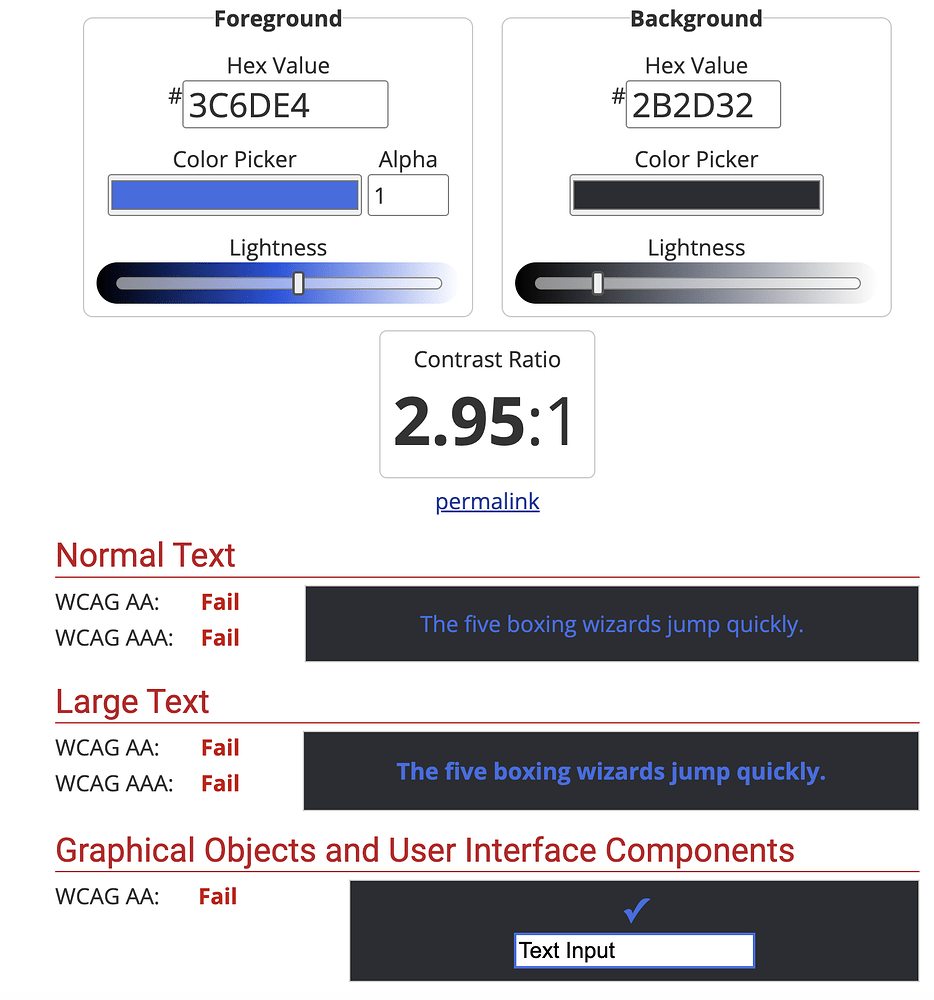
For reference, WCAG's commonly used minimum contrast thresholds are 4.5:1 for normal text and 3:1 for large text. The applicable requirement depends on the text and UI element. A creator should measure the real foreground/background pair and review it in context instead of assuming that black or white will always pass.

What creators should test before shipping
- List every background state. Include team colors, rarity colors, hover states, selected states, player themes, gradients, and any color chosen from user data.
- Choose foreground candidates deliberately. Use the default black-and-white comparison where it fits, or supply colors from the experience's palette.
-
Measure the returned pair. Call
GetContrastRatio()and compare the result with the target appropriate to the text or UI element. - Check small screens and long text. A high contrast ratio cannot fix text that is too small, clipped, crowded, or hidden behind another element.
- Do not communicate by color alone. Pair colors with labels, icons, patterns, or shapes so players can distinguish teams, warnings, and status states without relying only on hue.
- Test with player preferences. Roblox's accessibility documentation also covers preferred transparency, preferred text size, and reduced motion. These settings solve different problems and should be considered alongside color contrast.

What this update does not do yet
The November 3 announcement says Roblox is still working on possible style-query support, updates to internal surfaces with dynamic colors such as the player list, and Studio tooling or validation. Those items were described as future work, not as features already delivered by this announcement. Creators should not assume that Studio currently scans every interface and automatically fixes contrast problems.
The new methods also do not simulate color-vision deficiencies. Strong contrast between two colors can help legibility, but two colors may still be difficult for some players to distinguish. Use redundant visual signals and test important gameplay information beyond color alone.
How this could improve Roblox experiences
The practical value is largest in experiences where UI colors are not fixed: competitive games with team-colored labels, social experiences with customized chat, simulators with rarity-coded rewards, and games that let players personalize menus. A single hard-coded text color often breaks as soon as the background changes. A method that selects and measures contrast gives creators a repeatable baseline and reduces the need to write custom contrast calculations.
For players, the benefit depends on whether developers adopt the methods and test the results. The API itself does not change every existing Roblox experience automatically. Creators need to integrate it into their own UI logic and publish an updated experience before players can benefit from that implementation.
Related Roblox accessibility and creator guides
For more on player-facing chat changes, read our Roblox TextChatService migration guide. Roblox's official accessibility guidelines explain color contrast, color non-reliance, preferred transparency, and preferred text size.
Frequently asked questions
What are the new Roblox Color3 methods?
They are GetContrastingColor(), GetContrastRatio(), and GetLuminance(). They help creators select foreground colors and measure contrast and relative luminance.
When did Roblox announce the Color3 contrast methods?
Roblox announced the methods on its Developer Forum on November 3, 2026.
Does GetContrastingColor always choose black or white?
By default, it compares black and white. Creators can pass custom candidate colors, and the method returns the candidate with the highest contrast against the background color.
Does GetContrastingColor guarantee a 4.5:1 contrast ratio?
No. It selects the strongest candidate from the options supplied. A mid-tone background may not reach the required threshold with either candidate, so check the exact ratio with GetContrastRatio().
Can the new methods fix color-blindness issues?
They measure luminance and contrast; they do not simulate every type of color-vision deficiency. Use text, icons, shapes, and other cues alongside color.
Will all Roblox games get the new accessible colors automatically?
No. The methods are tools for creators. Each development team must add them to its own UI scripts, test the result, and publish an updated experience.
Official sources
- Roblox: Build Accessible UI Faster — New Color3 Contrast & Luminance Methods
- Roblox Creator Hub: Color3 reference
- Roblox Creator Hub: Accessibility guidelines
- W3C: Understanding WCAG contrast minimum
By Shivam Das





