

Roblox is preparing a major change to how in-experience text chat works. The updated, platform-integrated TextChatService is scheduled to become the required system for custom chat in new and existing experiences in May 2027. The change matters most to developers who built custom chat windows, message commands, chat wheels, or moderation tools. Most players will not need to change a setting or do anything themselves.
Quick answer: Roblox is letting creators test the updated system now. The platform plans to opt new and existing experiences in automatically in February 2027, with an opt-out option before the required May 2027 rollout. Experiences using the standard Roblox chat without custom chat features are not expected to need a migration.

When does the Roblox TextChatService migration happen?
Roblox’s October 21, 2026 Developer Forum announcement describes a phased rollout:
- Now through February 2027: Creators can opt in, test the updated TextChatService, and share feedback about missing features.
- February 2027: Roblox plans to opt new and existing experiences in automatically, while providing an opt-out option.
- May 2027: The updated platform-integrated system becomes the required way to provide custom chat in new and existing experiences.
That means May 2027 is primarily a developer migration deadline. It is not a date when Roblox says all players will lose access to chat. Roblox says experiences using the default chat without customizations should not need to take action.
What is actually changing?
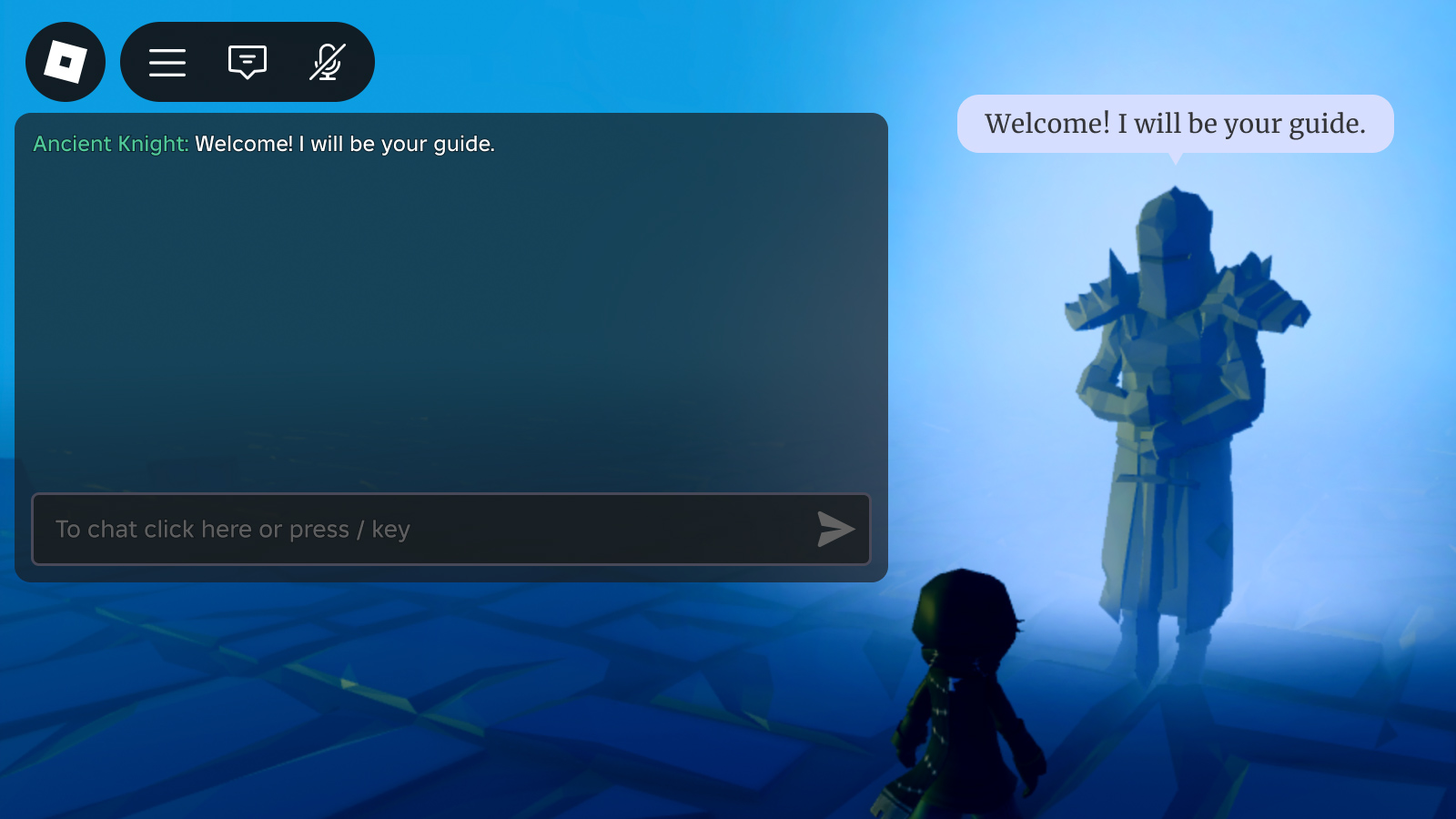
With platform-integrated chat enabled, Roblox handles message delivery and rendering through its own native chat interface. Developers can still place chat in a custom part of their game interface with TextChannelWindow, but they can no longer build a custom transcript by reading message text in their scripts. Roblox says message content is no longer accessible to game code in this mode.
Which custom chat features need attention?
Roblox’s announcement identifies several developer workflows that need to move to native features as the rollout progresses:
-
Custom chat windows: use
TextChannelWindowto display a selected text channel inside a game’s interface. -
Chat-triggered commands: use
TextChatCommandrather than relying on older message-reading approaches such asPlayer.Chatted. - Chat wheels and preset messages: prepare to use Roblox’s customizable Quick Words system.
- Custom prefixes and role labels: Roblox has described a native role/prefix solution for early 2027. Creators should follow the roadmap rather than assume every old custom prefix will transfer unchanged.
- Moderation: Roblox is introducing read-only chat access for eligible moderators so they can monitor conversations without custom scripts extracting message text.
What should Roblox developers do before May 2027?
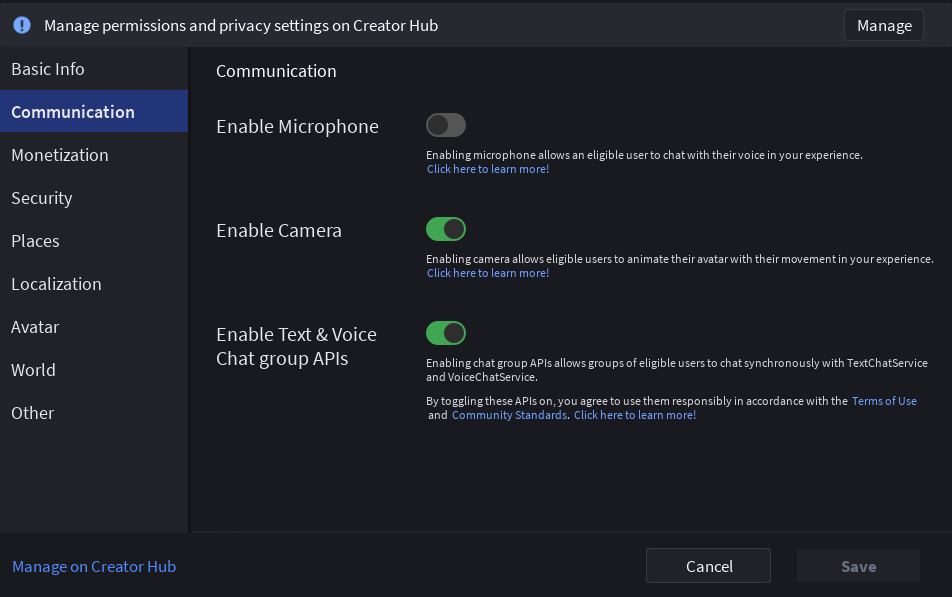
Creators with custom chat should audit their experience before enabling the update on a live game. Roblox’s guidance is to test in a separate place first, enable the platform-integrated system in Studio, and check every custom chat workflow.
- List every custom chat window, channel, chat command, preset phrase, prefix, and moderation tool.
- Search scripts for older message-reading patterns, including
Player.Chatted,OnIncomingMessage, and code that readsTextChatMessage.TextorTranslation. - Prototype a
TextChannelWindowand confirm that the right channel appears in the right place. - Test with multiple accounts and permission levels, including sending, receiving, muting, reporting, and moderator access.
- Check mobile and console layouts as well as desktop. A chat panel that works on one screen size may not work well on another.
- Keep following Roblox’s official Developer Forum thread because the platform says it will add features and publish roadmap updates over time.

Important: signs, pet names, and other editable text can also matter
Roblox’s chat rules cover more than a traditional chat box. If players can use signs, bulletin boards, pet names, license plates, admin tools, or another text field to hold a back-and-forth conversation in under 60 seconds, that feature may count as chat and must use TextChatService.
Editable text that is not chat still needs safeguards. Roblox’s guidance says player-written text visible to others must be filtered, and editable surfaces such as signs or bulletin boards need a rate limit of at least one minute per player so they cannot become a workaround for chat. A text filter alone is not enough.

Do regular Roblox players need to do anything?
For most players, no. Roblox’s published guidance is aimed at creators who operate custom chat systems. If a game uses Roblox’s default chat without custom modifications, Roblox says players should not see a change that requires them to migrate or update anything manually.
Players may notice interface differences as individual games update their chat experience, but the official announcement does not say that every game will get a completely new player-facing chat window on the same day. The rollout is staged, and developers’ custom features determine how much work a particular game needs.
Official Roblox video and announcement
Roblox shared a Developer Forum update and a video for creators. The video below is linked from the official announcement; use the original forum post for the full rollout details and later corrections.
Read Roblox’s official TextChatService announcement.
Frequently asked questions
Is Roblox removing chat in May 2027?
No. The announced May 2027 milestone makes the updated platform-integrated system required for custom chat. Roblox does not say that in-game chat itself is being removed.
Will every Roblox game need to be updated?
Roblox says games using the default chat without customizations do not need to take action. Experiences with custom chat interfaces, commands, presets, prefixes, or moderation systems should review the migration requirements.
Can developers test the updated TextChatService now?
Yes. Roblox says creators can opt in and test during the current phase. Its Creator Hub documentation explains how to enable platform-integrated chat in Studio and how to create a TextChannelWindow.
Can developers still make a custom chat interface?
They can place a native TextChannelWindow within their own UI and control its placement and size. However, when platform-integrated chat is enabled, developers cannot independently render player message text from script-accessible message content.
What is the safest next step for a creator?
Audit custom chat code, create a test experience, enable the updated system there, and verify every player and moderator workflow before changing the production game.
Sources and further reading
- Roblox Developer Forum: Important TextChatService Updates (October 21, 2026; updated October 28)
- Roblox Creator Hub: Platform-integrated chat
- Roblox Creator Hub: Text chat overview
- Roblox Creator Hub: Chat system guidelines
- Roblox Creator Hub: Customize the chat window
Author: Shivam Das. This article is based on Roblox’s published guidance available on November 3, 2026. Roadmap dates and planned features can change; check Roblox’s official announcement for updates.





