
Quick answer: Roblox upgraded Blockcast, Spherecast, and Shapecast on October 28, 2026. The new implementation improves collision accuracy, uses exact MeshPart collision geometry, and can run up to 4.1 times faster in Roblox's published benchmark. Developers also get new RaycastParams.Margin and SizeGradient controls, optional CFrame and size overrides for WorldRoot:Shapecast(), and a built-in Studio visualization mode. The engine-side improvements are live in Studio and published experiences; creators should still regression-test movement, combat, and placement systems.

Collision queries sit behind ordinary actions: a character checking the floor, a weapon testing whether a swing connects, a placement tool deciding whether an object fits, or a vehicle predicting what it will hit. When those queries return late or imprecise contact points, players may notice jitter, missed hits, snagging on edges, or objects that appear to clip through geometry.
Roblox's October 28 shapecasts upgrade targets that underlying layer. It is more than a new Studio toggle: the Physics Team says existing Blockcast, Spherecast, and Shapecast methods now use a rewritten implementation, while new controls let developers shape a query more deliberately. The update is especially relevant to creators building custom character controllers, close-range combat, precision placement, and experiences with detailed MeshParts.
What changed in the Roblox shapecasts update?
| Change | What it does | Why creators may care |
|---|---|---|
| Rewritten cast implementation | Improves speed and contact precision for existing casts | Can reduce query cost and collision inconsistencies |
RaycastParams.Margin |
Inflates and rounds the swept shape by a constant amount | Adds a controllable collision skin around a query |
RaycastParams.SizeGradient |
Grows or shrinks the cast shape along its travel | Supports tapered sweeps, funnels, and expanding detection areas |
| CFrame and size overrides | Lets Shapecast use a supplied starting transform and dimensions | Helps preview placements without moving a template part |
| Studio visualization | Draws the cast path, shapes, direction, and contact result | Makes collision debugging easier to inspect |
More accurate collisions, especially on MeshParts
One of the most consequential changes is how casts interact with mesh collision geometry. Roblox says the previous implementation tested MeshParts against a slightly shrunken version of their collision geometry. That could cause a cast to register late or slip past an edge. The updated implementation tests against the exact collision geometry instead.
The Physics Team also says the returned RaycastResult values—Position, Normal, and Distance—are now more precise across blocks, spheres, and meshes. That is useful when a controller needs to decide whether a character is grounded, when a projectile sweeps past a detailed object, or when a dragger needs to stop an object at a surface.

Roblox specifically connects the rewrite to reported problems including Blockcast results with math.huge or NaN positions, incorrect collisions on wedges and inclined surfaces, and hit points appearing outside the swept volume. The announcement says the update addresses those cases; it does not mean every possible collision bug in every experience is automatically solved.
What does RaycastParams.Margin do?
RaycastParams.Margin expands the cast shape uniformly in every direction. Roblox describes it as a skin around the shape: it inflates the volume and rounds its edges and corners by a constant distance. The default is zero, and the value must be finite and non-negative.
This can help a custom character controller detect a floor or wall slightly before the visible collider reaches it. A small margin can also make a query less likely to miss a narrow seam between adjacent floor pieces. Roblox notes that a raycast with a non-zero margin behaves like a spherecast with that radius.
Margin is not a universal fix. A value that is too large can make a controller stop too early, reject a doorway that should be passable, or make a placement preview overly restrictive. Roblox also warns that the expanded shape counts toward the maximum supported size, so an otherwise valid cast can fail if its margin pushes it beyond the limit. Start with a small value, test the tightest spaces, and tune it against real gameplay.
How SizeGradient changes a shapecast
RaycastParams.SizeGradient scales the cast shape over the distance it travels. The shape starts at its original size and reaches a final size multiplied by 1 + SizeGradient. A value of 0.5 ends 50% larger, -0.5 ends at half size, and -1 shrinks the shape to nothing at the end of the cast. The default is zero, which keeps the size constant.
That creates options beyond a fixed-size sweep. An expanding cast can approximate a cone-like detection area for an effect or a broadening vision check. A shrinking cast can test whether a shape can pass through a narrowing opening. The margin remains constant while the shape scales, except for Spherecast, where the radius and margin are the same and scale together.

Shapecast now supports CFrame and size overrides
The updated WorldRoot:Shapecast() method accepts optional cframeOverride and sizeOverride arguments. The CFrame override supplies the world-space starting transform; the size override supplies the dimensions used for the sweep. If omitted, the method uses the part's own CFrame and Size.
This matters for tools that need to predict a result before changing the world. A furniture dragger can test a proposed position without physically moving the template part first. A placement preview can reuse one template part to test different dimensions. Developers can avoid repeatedly cloning or repositioning temporary parts just to perform a predictive query.
The method still takes a BasePart whose geometry is swept through the world; the overrides change the starting transform and size used for the query. Roblox's documentation also notes that the shape being cast is excluded from the results. Shapecasts do not detect parts that the shape already intersects at the beginning of the cast, so developers should keep that limitation in mind when designing overlap handling.
How to visualize shapecasts in Roblox Studio
The new visualization mode gives developers a direct way to inspect what their queries are doing. In Studio, open the Visualization Modes control in the 3D viewport, then enable Physics simulation → Shapecasts. Roblox says the display can show the starting and ending shapes, faint copies along the path, the travel direction, and the contact point where a hit occurred. Successful hits appear green and misses red.
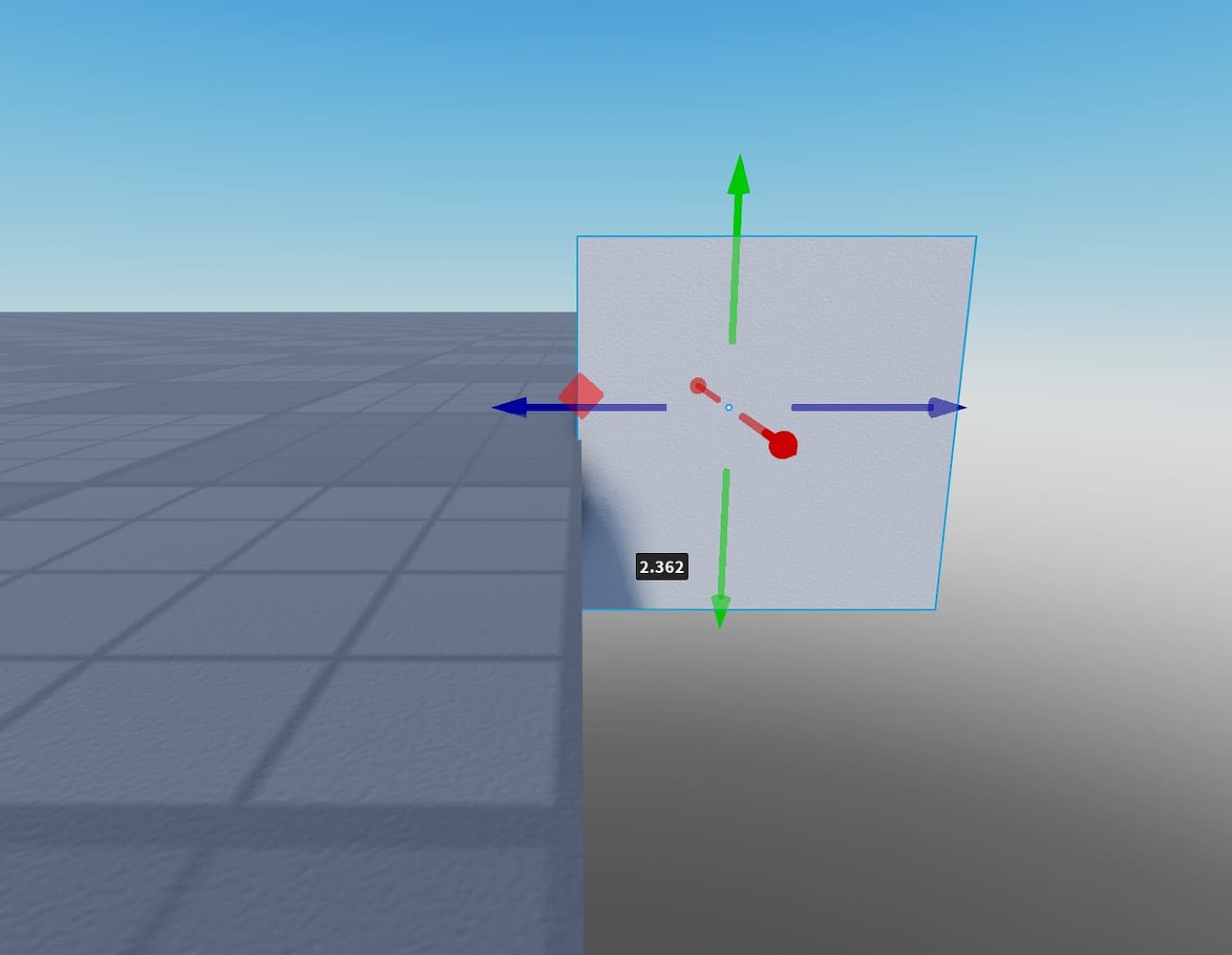
For plugin or Command Bar workflows, Roblox also documents settings().Physics.DrawShapecast = true. The visualization is useful when a collision feels wrong but the query itself is invisible during normal play. Developers can inspect whether the shape is too large, travelling in the wrong direction, or contacting an unexpected surface.
How much faster are shapecasts now?
Roblox reports that the rewritten implementation ran up to 4.1 times faster in its benchmark. The company describes a test involving 289 casts of different sizes—from 0.05 to 5 studs—with random orientations dropped onto a village scene. It also says a thin Spherecast now costs roughly the same as a standard raycast, making it more practical to use a small volume where a thin ray might slip through tiny gaps.
That number is a result from Roblox's stated benchmark, not a promise that every game will become 4.1 times faster. Actual performance depends on the number of queries, the shapes and distances involved, scene complexity, and how the experience schedules its physics work. Creators should profile their own places before estimating a frame-time improvement.

What developers should test after the upgrade
The engine-side rewrite applies to existing calls without requiring script changes, according to Roblox. Even so, more precise results can change the feel of systems tuned around older contact points. A short regression pass is sensible before shipping an update to a live experience.
- Character movement: Recheck ground detection, wall sliding, slopes, stairs, and narrow passages.
- Combat and projectiles: Test melee sweeps, fast-moving attacks, and hit detection around thin or irregular MeshParts.
- Placement and dragging: Check furniture, building tools, and object previews against corners, wedges, and angled surfaces.
- Margins: Start small and verify that the added skin does not block intended movement or valid placements.
- Size gradients: Test both ends of the sweep and ensure the changing volume matches the intended detection area.
- Performance: Compare query cost in representative gameplay scenes rather than assuming the published benchmark applies directly.
- Initial overlap: Keep separate overlap checks where an object may already intersect geometry before a shapecast begins.
Does this update require developers to rewrite their scripts?
No script changes are required to receive the underlying implementation, precision, and performance improvements, according to Roblox's announcement. The new margin, gradient, and override features are optional controls. Developers can adopt them selectively rather than rewriting every existing query.
What the Shapecasts upgrade means for Roblox players
Players will not see a new menu or reward simply because the engine changed. The benefit is indirect: developers have better tools for building movement, collision, combat, and placement systems. If a creator uses the new capabilities carefully, players may experience fewer awkward snags, more dependable hit detection, and smoother object interactions.
The most important takeaway is not the headline speed figure. It is the combination of more exact mesh collisions, adjustable margins, size changes during a sweep, and a visual debugging tool. Together, these features give developers more control over a part of game behavior that players notice most when it goes wrong.
Frequently asked questions
When did Roblox release the shapecasts upgrade?
Roblox announced the upgrade on October 28, 2026, and said the precision and performance improvements were live in Studio and published games that day.
Which Roblox shapecast methods are affected?
The announcement covers existing Blockcast, Spherecast, and Shapecast calls. The rewritten implementation improves their speed and precision.
What is the maximum SizeGradient value?
Roblox documents a SizeGradient range beginning at -1, which shrinks the shape to nothing at the end of the cast. Positive values expand it; for example, 0.5 ends 50% larger. The default is 0.
Does RaycastParams.Margin work with raycasts?
Yes. Roblox documents Margin for Shapecast, Blockcast, Spherecast, and Raycast. A Raycast with a non-zero margin behaves like a Spherecast with that radius.
How do I turn on shapecast visualization?
In Roblox Studio, open Visualization Modes in the 3D viewport and enable Physics simulation → Shapecasts. Roblox also documents settings().Physics.DrawShapecast = true for plugin or Command Bar workflows.
Will existing Roblox games get the performance improvement automatically?
Roblox says the underlying rewrite is live for existing calls in Studio and published games, with no script changes required. Creators should still test systems that depend on exact collision distances or contact points.
Do shapecasts detect parts the shape is already touching?
No. Roblox's API documentation says shapecasts do not detect parts that the shape already intersects at the start of the cast. Developers may need a separate overlap query for that situation.
Does the 4.1× speed figure apply to every Roblox game?
No. It is the best result reported in Roblox's own benchmark. Actual gains vary with the experience, query shapes, distances, and scene conditions.
Official references: Roblox: Upgrading Shapecasts; WorldRoot API reference; RaycastParams documentation.
Reporting note: This article separates Roblox's published feature details and benchmark from practical testing recommendations for developers. Last checked: November 4, 2026.
By Shivam Das





