

Quick answer: Roblox completed the move of Classic Heads and Faces into the Dynamic Heads system through its March 23, 2026 rollout. Players can find the converted items in the unified Heads category, switch facial animation off, and choose from head shapes they own. The migration changes how faces are built and animated; it does not mean every avatar must look expressive all the time.
Roblox’s goal is a single avatar-head system that can support facial expressions, emotes, accessories and future customization while preserving as much of the familiar Classic look as possible. The practical change for players is the combination of a Dynamic Head underneath the face and controls that let them decide how it behaves.

What the migration actually changed
In its March 23 update, Roblox said all Classic Heads and Faces were being moved to Dynamic Heads and would appear under the Heads category in Marketplace and the Avatar Editor. The old separate Classic Heads and Classic Faces categories were no longer the way to browse these converted assets.
This is more than a catalog rename. A Dynamic Head is a rigged head with facial animation data, skinning and mapped expressions. That structure lets an avatar blink, change its expression, animate with an emote, and support face accessories that deform with the face. Roblox’s Creator Hub documentation describes these as parts of a single asset system rather than a flat face decal.
Can you keep the old Classic face look?
Roblox’s stated target was to preserve the original look of Classic Heads and Faces as closely as possible. The company described a one-to-one visual-parity goal and shared comparison work as it refined converted faces. That goal matters because many Classic faces are recognizable precisely because of their fixed expression.
The key user control is the facial-animation toggle. When facial animation is disabled, a Dynamic Head can hold a static mood pose that retains the face’s characteristic expression instead of constantly moving toward a neutral look. Roblox introduced the control in the Head Refinement area and also exposed a way to configure it for experiences through the HumanoidDescription.StaticFacialAnimation property.
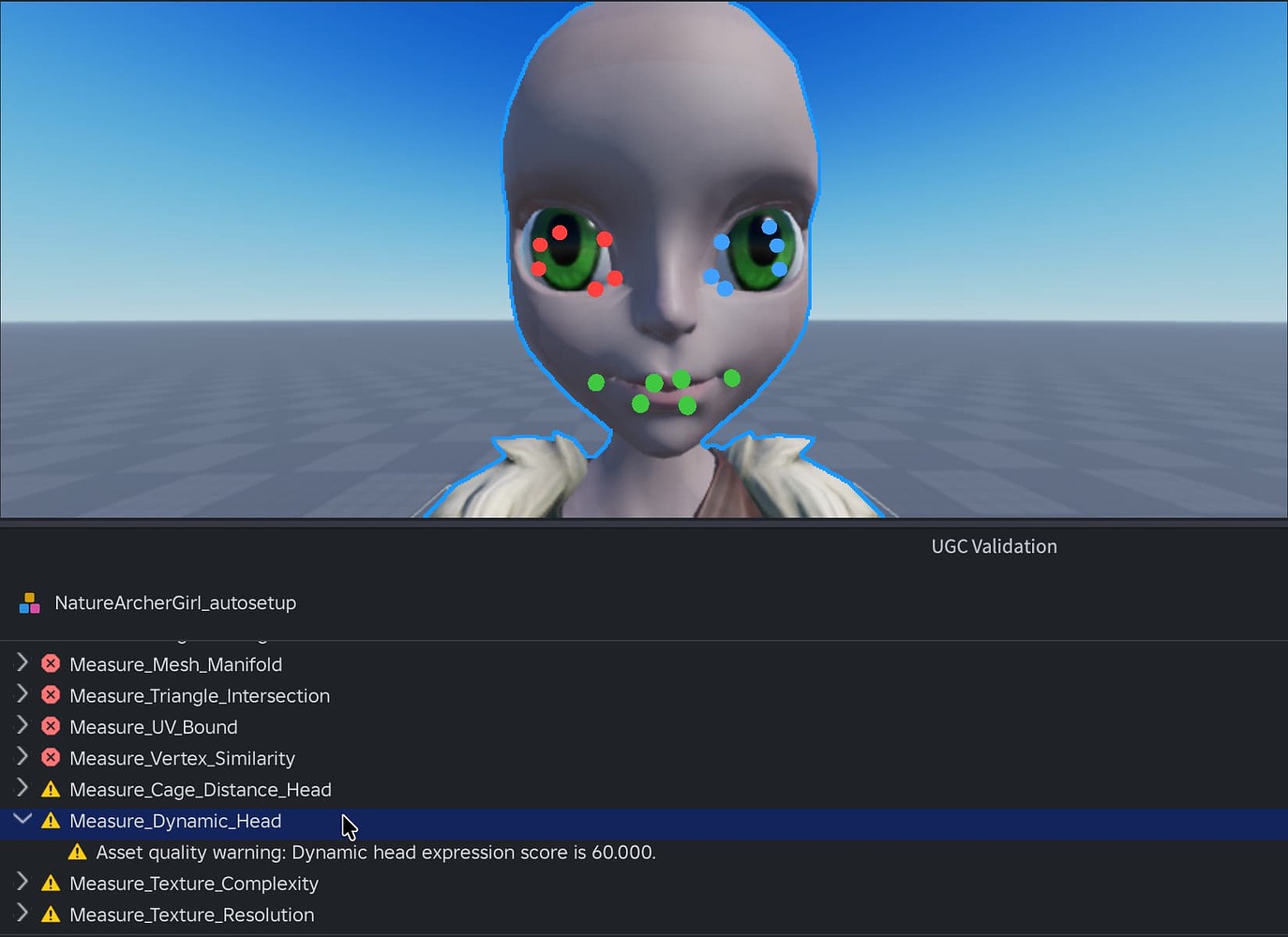
When do Roblox avatar faces animate?
Roblox described three situations in which facial animation can be visible: during an idle animation, when a user has camera-based facial animation enabled, and while voice chat is active so the avatar can lip-sync speech. These are different triggers, not a requirement that every face move continuously in every experience.
- Idle: The avatar may blink or look around as part of its idle behavior.
- Camera: If the feature is enabled and supported, facial movement can follow the user’s expressions.
- Voice chat: The avatar can move its mouth in sync with speech.
If you prefer the traditional still expression, use the animation control rather than assuming that the conversion removed the option. Roblox’s StaticFacialAnimation setting is specifically intended to display a static mood pose on a Dynamic Head.
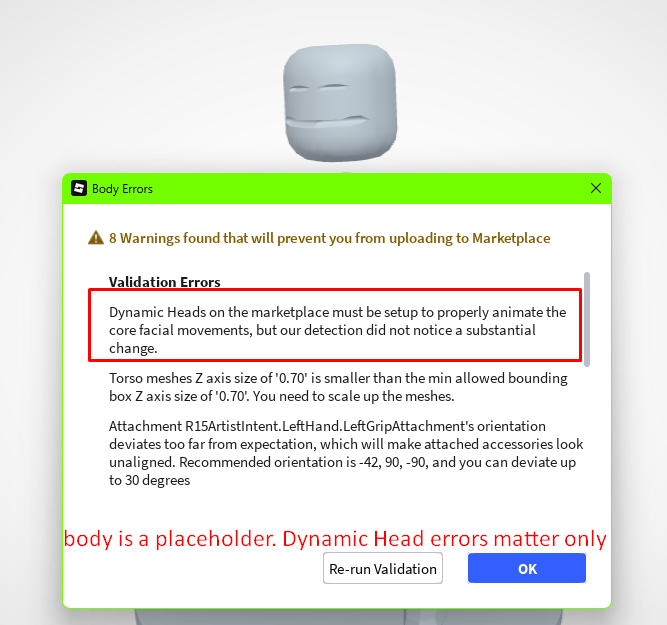
Head-shape swapping is still supported
The migration was not meant to lock every face to one head shape. Roblox said users can continue choosing from head shapes they own, and the saved avatar retains the selected head shape as well as the animation-toggle setting. This preserves the familiar idea of pairing a face with a preferred head silhouette.
There are exceptions where a distinctive head shape is designed to work only with its original face. Roblox has explained that some combinations can clip or break the head geometry if other faces are applied. In those cases, keeping the original pairing protects the asset’s shape rather than indicating a general removal of head swapping.
What changed for Limited heads and collectibles?
Roblox said Limited Heads would retain their existing serial numbers and quantities, along with their tradable and resellable status. The migration was designed to preserve the collectible population rather than issue extra copies of existing Limited items. For owners, that means the conversion was not announced as a reset of Limited rarity or transaction history.
For a separate, newer update about heads that did not meet the Marketplace policy campaign, see our Roblox head Marketplace policy update. That October 2026 update concerns off-sale status and Asset Versioning; it should not be confused with the earlier Classic-to-Dynamic conversion itself.
What creators need to change in their experiences
Developers who built avatar-shopping interfaces around the old Face and Head asset types should review their catalog logic. Roblox said requests for the legacy asset types no longer return Classic assets. Its recommended direction is to use a unified Heads experience and query Dynamic Heads instead.
- Combine the catalog categories. Replace separate Classic Heads and Classic Faces sections with one Heads category.
-
Query the correct assets. Roblox recommends filtering
AvatarEditorService:SearchCatalog()by Roblox as the creator when retrieving Roblox-owned Dynamic Heads. -
Conform avatars before display. Use
AvatarEditorService:ConformToAvatarRules()to replace legacy assets with their matching upgraded versions while maintaining the appropriate head shape. -
Support head-shape selection. Use
GetHeadShapesAsync()to retrieve head shapes owned by the user, then apply the chosen shape throughBodyPartDescription.HeadShape. - Check saved settings. Make sure the experience does not overwrite the user’s selected head shape or facial-animation preference when saving or reapplying an avatar.
Why Dynamic Heads need more than a face texture
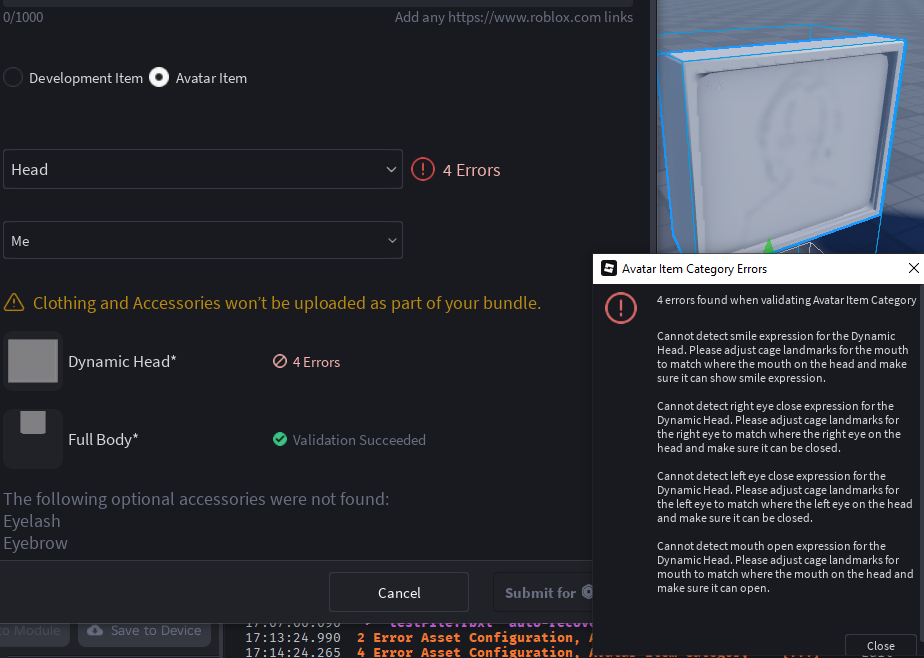
A Dynamic Head combines several technical layers: the visible mesh and textures, facial animation data, cage meshes for accessory deformation, and attachment points for items such as hair and hats. The cage and facial data help keep the head compatible across different avatar combinations and experiences.
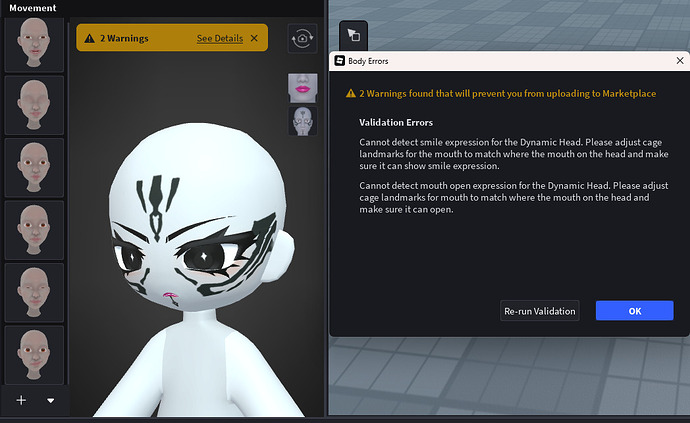
Roblox’s validation guidance explains that Marketplace heads need properly configured cages and facial poses. Validation checks whether facial landmarks move and deform correctly; missing required poses or poorly configured cages can prevent an asset from passing. This is why the new system matters to creators even when a player mainly notices the face’s expression.
What players should check now
- Look for converted faces in the unified Heads category rather than the old Classic Faces section.
- Open the Head Refinement controls if you want to change the facial-animation setting.
- Try the head-shape selector if you own multiple compatible shapes.
- Save the avatar after adjusting the shape and animation preference, then reopen it to confirm the settings persist.
- If an accessory sits differently than before, use the available accessory-adjustment controls where supported.
Frequently asked questions
Are Classic Heads and Faces still a separate Marketplace category?
No. Roblox’s March 23, 2026 update said the converted Classic Heads and Faces would be available in the unified Heads category in Marketplace and the Avatar Editor.
Can I turn off facial animation?
Yes. Roblox added a facial-animation control for Dynamic Heads. Developers can also configure static facial animation through HumanoidDescription.StaticFacialAnimation.
Will turning animation off make my face blank?
No. Roblox says the static setting keeps a mood pose that matches the face’s characteristic expression. It is different from forcing a neutral pose.
Can I still change the shape of my head?
Yes, for compatible combinations. Roblox said users can select from head shapes they own. Some distinctive shapes remain paired with their original face where swapping would cause geometry problems.
Did the migration change Limited Head serial numbers or quantities?
Roblox said Limited Heads would retain their serial numbers and quantities, as well as their tradable and resellable status.
What should developers update in avatar editors?
Developers should use a unified Heads category, query Dynamic Heads, conform legacy avatar descriptions to avatar rules, and support owned head-shape selection with the current AvatarEditorService methods.
Official sources and further reading
- Roblox: March 23 Dynamic Head migration update
- Roblox Creator Hub: Dynamic Heads
- Roblox API: HumanoidDescription and StaticFacialAnimation
- Roblox Creator Hub: Facial animation
- Roblox weekly recap, October 26–30, 2026
Reporting and explanation by Shivam Das. This article reflects Roblox documentation and official announcements checked on November 4, 2026.





